Why Two Identical USB-C Cables Behave Completely Differently
Same connector, wildly different capabilities. A practical guide to charging wattage, data speeds, and the one cable worth keeping in your bag.
Published 16 July 2026
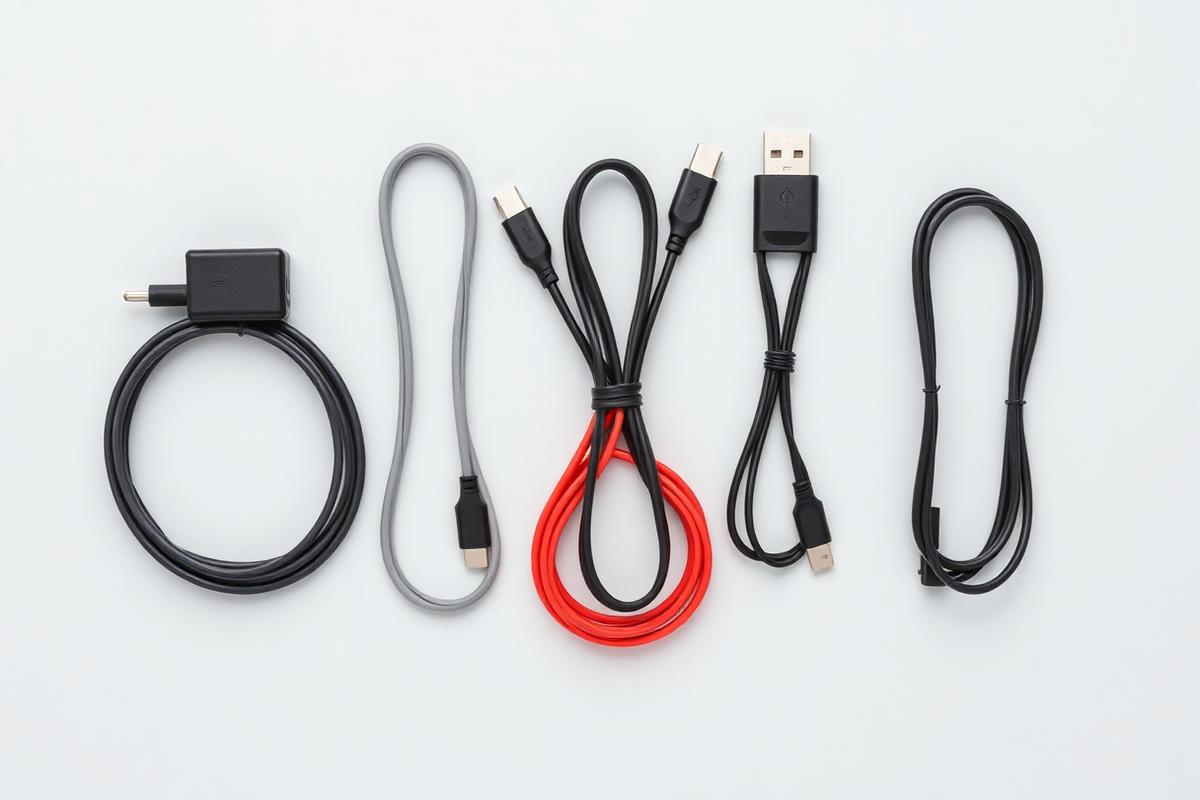
USB-C was supposed to end cable confusion. Instead it hid the confusion inside an identical connector. Two cables that look the same can differ by a factor of forty in data speed and by a factor of five in charging power.
Three separate things share one plug
The shape of the connector says nothing about what runs through it. There are three independent questions.
How much power can it carry? Basic cables handle 60 watts. Cables with an internal chip handle 240 watts, which is what a large laptop or a monitor pass-through needs.
How fast is the data? A cable can be limited to 480 megabits per second, the speed of an old USB 2.0 connection, even while charging your laptop perfectly. This is why a charging cable often fails to drive an external drive at full speed.
Does it carry video? Displays need either DisplayPort alternate mode or a Thunderbolt-class cable. Plenty of perfectly good charging cables carry no video at all.
The cable that came in the box
Most cables bundled with phones and power banks are charge-only, 480 megabits per second, no video. They are not defective, they are built to a price for the job they shipped with. Trouble starts when you use one to connect a docking station and then blame the dock.
How to buy sensibly
Look for two things printed on the packaging: the wattage rating and the data specification. If the listing mentions only fast charging and gives no data figure, assume the slowest option. Certification logos from the USB standards body are worth more than any marketing phrase, because uncertified cables have a long history of ignoring the negotiation rules and damaging equipment.
Length matters too. Passive cables lose signal integrity beyond roughly a metre at the highest speeds. Longer runs need active cables with electronics inside, and they cost accordingly.
The one to keep in your bag
Buy a single certified Thunderbolt-class cable rated for 240 watts, keep it under a metre, and use it for anything you care about. It will charge anything, carry any data speed, and drive a display. Label it, because it will otherwise disappear into the drawer with the others.
Everything else in the house can stay a charging cable, as long as you know that is what it is.