AI Laptops in 2026: What the Marketing Sticker Actually Buys You
Every laptop on the shelf now has an AI badge. Here is what the silicon behind it really changes in daily use, and when paying extra is genuinely worth it.
Published 22 July 2026

Walk into any electronics store this year and you will be told that every laptop is an AI laptop. The sticker is on the palm rest, the box, and the price tag. What almost nobody explains is which part of the machine changed, and whether that change shows up in the work you actually do.
The part that is new
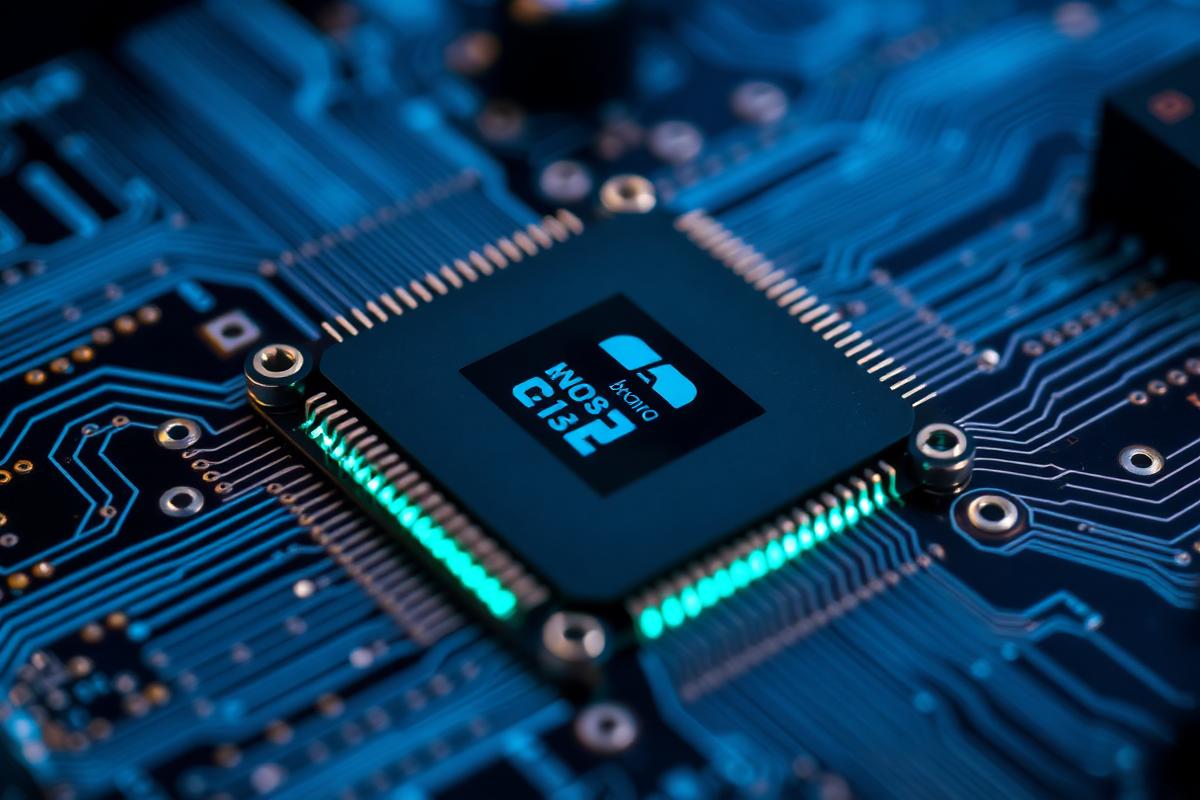
The genuinely new component is the neural processing unit, a small block of silicon that sits next to the CPU and GPU and handles machine learning maths at very low power. It is not faster than a discrete graphics card. Its advantage is efficiency: it can run a background model for hours without draining the battery or spinning the fans.
That matters for a specific class of features. Live captioning, background blur and noise removal on calls, eye-contact correction, local voice dictation, and on-device search over your own files all run happily on an NPU. Large image generation and heavy language models still prefer a real GPU or a data centre.
What to look for on the spec sheet
Manufacturers quote NPU performance in TOPS, or trillions of operations per second. Roughly speaking, anything at or above 40 TOPS clears the bar for the current generation of operating system AI features. Below that, features either fall back to the CPU or are quietly disabled.
Do not stop at TOPS, though. Memory is the setting most people get wrong. Local models are memory hungry, and 16 GB is now the realistic floor rather than a comfortable middle. If you intend to keep the machine for four or five years, 32 GB is the upgrade with the longest shelf life, and it is usually soldered, so you cannot fix it later.
Where the money is better spent
For a large share of buyers, the AI badge is not the deciding factor. A brighter screen, a better keyboard, a chassis that does not flex, and a battery that survives a full working day change your relationship with a laptop far more than an on-device summariser does.
A sensible order of priorities looks like this: display quality first, keyboard and trackpad second, battery and thermals third, memory fourth, and the NPU fifth. If a machine wins on the first four and happens to include a capable NPU, that is the purchase to make.
The quiet advantage
There is one argument for on-device AI that has nothing to do with speed. Work that runs locally does not leave your machine. For anyone handling client documents, medical notes, or anything under a confidentiality agreement, that is not a feature, it is a requirement. As more software offers a local processing toggle, the laptop that can honour it becomes the more useful tool.
Buy for the screen and the keyboard. Treat the NPU as insurance for the second half of the machine's life, not as the reason to spend today.